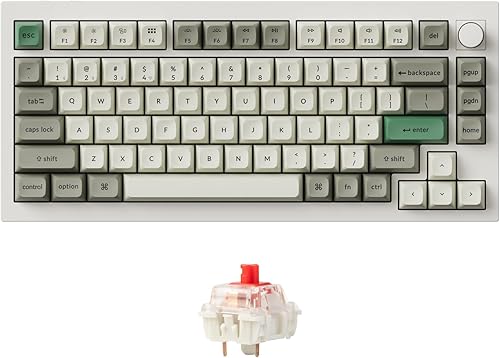


Why Programmers Choose Mechanical Keyboards
Mechanical keyboards provide tactile feedback that confirms each keypress, reducing typing errors and fatigue during 8+ hour coding sessions. The customizable layouts allow programmers to optimize key placement for their specific workflows.
Switch Guide for Programmers
| Switch Type | Feel | Noise | Best For |
|---|---|---|---|
| Tactile (Brown) | Bump at actuation | Moderate | General programming |
| Linear (Red) | Smooth throughout | Quiet | Fast typists, gaming |
| Clicky (Blue) | Bump + audible click | Loud | Solo workers who love feedback |
| Topre | Soft tactile cup | Quiet thock | Premium feel, long sessions |
Layout Recommendations
- 75% — Best all-rounder: keeps F-keys and arrows in a compact frame
- 65% — Minimal but usable: arrows + a few nav keys, no F-row
- 60% — For vim/terminal power users who live in layers
- Split — Ergonomic choice for developers with RSI concerns
- TKL — Traditional feel without the numpad taking desk space